
Zapier WhatsApp API Integration: Automate Messages Without Code in 2026
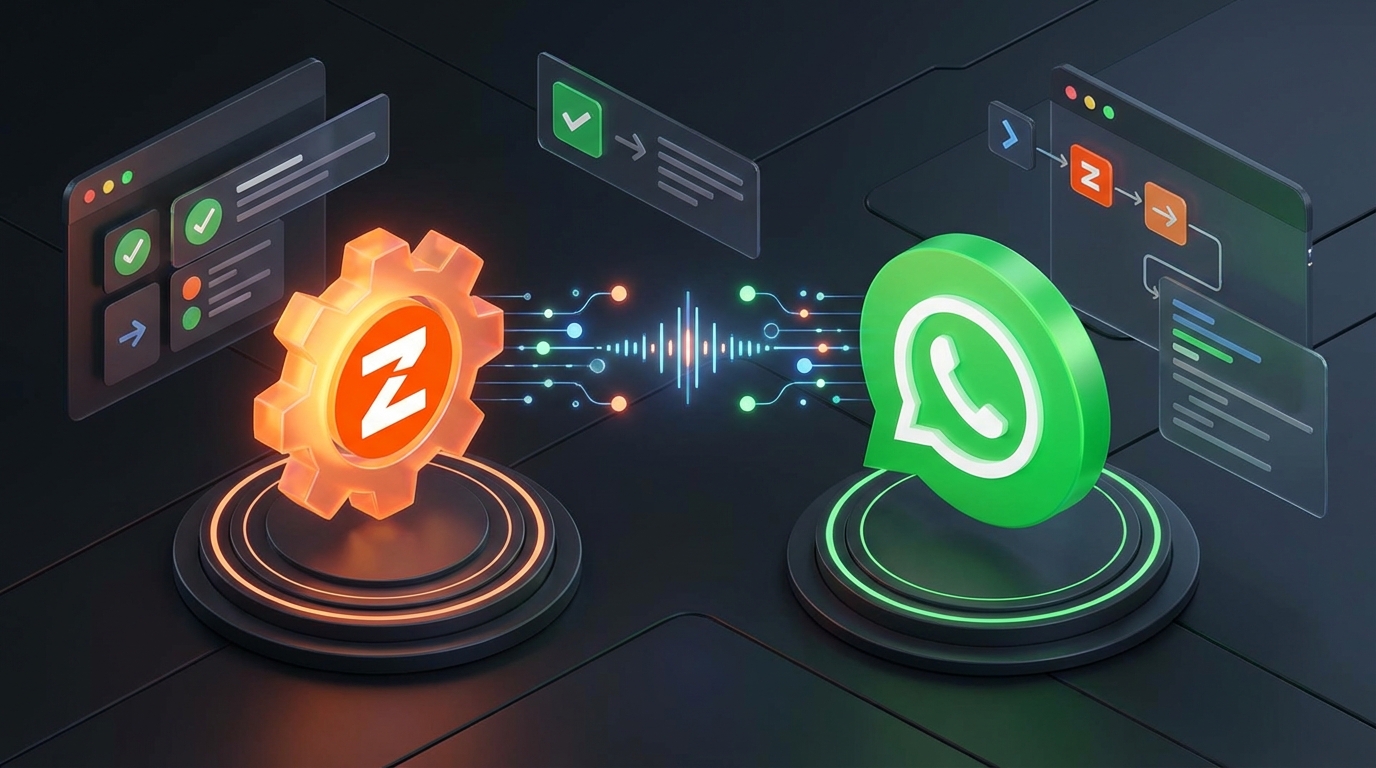
In today's fast-paced digital business landscape, speed is everything. When a new lead fills out a form, a customer places an order, or a high-priority support ticket is generated, relying on email notifications simply isn't fast enough. You need to reach your audience and your team exactly where they already spend their time: on WhatsApp. This is where mastering a Zapier WhatsApp API integration becomes an absolute game-changer for your business.
By connecting Zapier's massive ecosystem of over 5,000 applications with a reliable WhatsApp API, you can build incredibly complex, highly personalized messaging workflows without writing a single line of code. Whether you are an e-commerce store owner looking to send automated order tracking updates, or a real estate agency wanting instant alerts when a high-ticket lead comes in, the possibilities are virtually endless.
In this comprehensive guide, we will walk you through exactly how to set up, optimize, and scale your automated messaging systems. We will cover the best use cases, the crucial differences between official and unofficial APIs, and the step-by-step process to get your first automated WhatsApp message live today.
Why You Need a Zapier WhatsApp API Integration
Zapier acts as the digital glue that connects the various software tools you use every day. By integrating it with WhatsApp, you transform a simple messaging app into a fully automated, centralized notification hub. The primary advantage of a Zapier WhatsApp API integration is its accessibility; you do not need to hire an expensive developer or understand complex backend programming to make it work.
Here are the core benefits of building this automated pipeline:
- Instantaneous Communication: WhatsApp boasts an incredible 98% open rate, with most messages read within the first three minutes. Automated alerts ensure nothing falls through the cracks.
- Zero Coding Required: Through Zapier's intuitive visual interface, you can map data fields from your CRM, spreadsheet, or form builder directly into a WhatsApp message template.
- Massive App Ecosystem: Connect WhatsApp to HubSpot, Salesforce, Shopify, WooCommerce, Google Sheets, Calendly, Typeform, and thousands of other platforms instantly.
- Scalability: As your business grows, your automations grow with you. You can easily add multi-step Zaps that filter leads, delay messages, or route notifications to different team members based on specific criteria.
Official vs. Unofficial WhatsApp APIs for Zapier
Before you start building your Zapier workflows, you must choose the right API provider. The market is generally divided into two categories: the Official Meta Cloud API and Unofficial WhatsApp APIs. Understanding the difference is critical to your automation strategy and your budget.
The Official Meta WhatsApp Business API
The official API is provided directly by Meta (or their authorized Business Solution Providers). While it offers high reliability and official green-tick verification potential, it comes with strict limitations. Every automated message you send must be pre-approved by Meta as a "Template Message." Furthermore, you are charged per conversation, which can quickly become astronomically expensive if you are sending hundreds or thousands of automated notifications daily.
The Unofficial WhatsApp API Alternative
For most developers, startups, and small-to-medium businesses, an unofficial API like WaSenderAPI is the superior choice. Unofficial APIs allow you to connect your existing WhatsApp number directly to your applications via a simple QR code scan. There is no waiting for Meta to approve your message templates, and there are no per-conversation fees.
With an unofficial provider, you pay a flat monthly rate for unlimited messaging. This makes your Zapier WhatsApp API integration infinitely more flexible and cost-effective. You can tweak your automated message copy on the fly without worrying about compliance rejections or escalating costs.
Top 5 Workflows to Automate with Zapier and WhatsApp
To help you understand the sheer power of this integration, let's explore the most profitable and time-saving workflows businesses are implementing right now.
1. Instant Lead Alerts from Facebook Ads or Typeform
Speed to lead is the most critical metric in sales. When a prospect submits their contact information via a Facebook Lead Ad or a Typeform survey, waiting an hour to contact them drastically reduces your conversion rate. By setting up a Zap that triggers on a new form submission, you can automatically send a personalized WhatsApp message to the prospect instantly, welcoming them and providing the next steps. Simultaneously, you can send an automated WhatsApp alert to your sales team with the lead's details so they can follow up immediately.
2. E-Commerce Order and Shipping Updates
Customers experience significant anxiety after placing an order online. Reduce your customer support tickets by connecting Shopify or WooCommerce to WhatsApp via Zapier. You can automatically trigger messages when an order is confirmed, when it is shipped, and when it is out for delivery. Including dynamic data like the customer's name, order number, and a tracking link creates a premium post-purchase experience.
3. Automated Appointment Reminders
No-shows are a massive drain on revenue for service-based businesses. If you use scheduling software like Calendly, Acuity, or Google Calendar, you can build a Zap that triggers 24 hours before a scheduled event. Sending a friendly WhatsApp reminder—rather than an easily ignored email—can reduce your no-show rate by up to 60%.
4. Failed Payment and Abandoned Cart Recovery
Cart abandonment is the silent killer of e-commerce profitability. By integrating Stripe or your e-commerce platform with WhatsApp, you can automate highly effective recovery campaigns. If a payment fails or a cart is left unattended for more than an hour, Zapier can trigger a WhatsApp message offering a small discount or a direct link to complete the checkout process.
5. Internal Team Notifications
WhatsApp isn't just for customer-facing communication. You can use it to streamline your internal operations. For example, you can set up a Zap that monitors your customer support inbox (like Zendesk or Intercom). If a ticket is tagged as "Urgent," Zapier can immediately ping your IT or management team's WhatsApp group, ensuring critical issues are handled in real-time.
Step-by-Step Guide: Setting Up Your Zapier WhatsApp API Integration
Now that you understand the potential, let's dive into the practical setup. While we won't show raw code here, the process relies on Zapier's powerful "Webhooks by Zapier" feature, which allows you to send data to any API endpoint seamlessly.
Step 1: Prepare Your WhatsApp API Provider
First, you need an active API account. If you are using an unofficial provider like WaSenderAPI, you will simply create an account, scan the QR code with the WhatsApp account you want to use as the sender, and generate your API key and Instance ID. Keep these credentials handy, as you will need them to authorize Zapier to send messages on your behalf. For exact endpoint URLs and payload requirements, always refer to the official API documentation.
Step 2: Create a New Zap and Choose Your Trigger
Log into your Zapier dashboard and click "Create a Zap." The Trigger is the event that starts your automation. Search for the app where your data originates. For instance, if you want to send a message when a new row is added to a spreadsheet, select "Google Sheets" and choose the trigger event "New Spreadsheet Row." Connect your account, select the specific spreadsheet, and test the trigger to pull in sample data.
Step 3: Add the Webhook Action
Once your trigger is successfully pulling in data, it is time to set up the action. In the action step, search for "Webhooks by Zapier." This is a premium Zapier feature that allows you to make HTTP requests. Select "Custom Request" or "POST" as the action event. This is how Zapier will communicate with your WhatsApp API provider.
Step 4: Configure the Webhook Payload
This is where the magic happens. You need to tell Zapier exactly what data to send to the API. In the Webhook configuration panel, you will input the API endpoint URL provided by your service. You will set the Payload Type to JSON.
Next, you will map the data fields. You need to specify the recipient's phone number and the message text. Using Zapier's "Insert Data" tool, you can dynamically pull the phone number from your trigger app (e.g., the phone number column in Google Sheets). You can then draft your message in the text field, mixing static text with dynamic variables like the customer's name.
Crucial Tip: Ensure that you pass your API Key or Bearer Token in the "Headers" section of the Webhook setup to authenticate the request.
Step 5: Test and Publish Your Zap
Before turning your automation on, use Zapier's "Test Action" button. This will send a real request to your WhatsApp API. If configured correctly, you should receive a WhatsApp message on the test phone number within seconds. Once you confirm the message looks exactly how you want it, click "Publish Zap." Your automated messaging system is now live and running 24/7.
Best Practices for WhatsApp Automation Success
Having a powerful Zapier WhatsApp API integration is only half the battle. To ensure your campaigns are successful and your WhatsApp number remains active, you must follow industry best practices.
- Always Format Phone Numbers Correctly: The most common reason API messages fail is incorrect phone number formatting. Ensure all phone numbers passed from Zapier to the API include the country code without any plus signs, brackets, or spaces (e.g., 1234567890). You can use Zapier's built-in "Formatter" tool to clean up phone numbers before sending them to the webhook.
- Prioritize Personalization: Automated messages shouldn't sound like they were written by a robot. Use the dynamic data from your trigger apps to include the recipient's name, specific references to their inquiry, and a friendly, conversational tone.
- Provide a Clear Opt-Out: Even though you are using an unofficial API, respecting user privacy is paramount. Always include a simple way for users to opt-out of future automated messages, such as "Reply STOP to unsubscribe." This reduces the chances of users reporting your number as spam.
- Monitor Your Sending Volume: If you are using a brand new WhatsApp number, do not immediately blast thousands of automated messages. Warm up the number gradually by sending smaller batches of highly relevant messages to users who are expecting them. This helps build a positive trust score with WhatsApp's anti-spam algorithms.
- Use Delays for Natural Timing: If your Zap triggers immediately after a user submits a form, a response sent within 0.1 seconds can feel unnervingly artificial. Add a "Delay by Zapier" step to wait 2 to 5 minutes before sending the WhatsApp message. This mimics human behavior and builds stronger rapport.
Troubleshooting Common Zapier Webhook Errors
Even the best-planned automations can occasionally run into hiccups. If your Zapier WhatsApp API integration stops working, the issue is almost always found in the webhook configuration.
If you receive a 400 Bad Request error in Zapier, it typically means your JSON payload is formatted incorrectly. Double-check that your dynamic variables aren't introducing line breaks or special characters that break the JSON structure. Additionally, verify that the phone number field is mapped correctly and stripped of invalid characters.
If you receive a 401 Unauthorized error, your API key is likely missing, expired, or inputted incorrectly in the Headers section of the Zapier Webhook action. Always refer back to your provider's dashboard to generate a fresh token if needed.
Conclusion: Unlocking Growth with Automated Messaging
Implementing a robust Zapier WhatsApp API integration is one of the highest-leverage activities you can undertake for your business this year. By bridging the gap between your core software stack and the world's most popular messaging app, you eliminate manual follow-ups, drastically improve customer satisfaction, and accelerate your sales cycles.
Whether you choose to automate lead routing, e-commerce notifications, or internal alerts, the combination of Zapier's visual workflow builder and a reliable, cost-effective API like WaSenderAPI gives you enterprise-level automation power at a fraction of the cost. Start mapping out your first automated workflow today, connect your webhook, and watch your engagement metrics soar.
Related Posts

n8n + WaSenderAPI: Master WhatsApp Automation Without Code (2025 Guide)
Discover the most affordable WhatsApp automation solution only $6/month with WaSenderAPI combined with no-code n8n workflows. Build perfect, custom WhatsApp automations quickly and easily without coding. Follow our step-by-step guide to save costs while creating powerful, scalable, and secure WhatsApp messaging for your business.

Create a Free WhatsApp AI Chat Bot with Python and Gemini (Full Guide)
Learn how to create a free WhatsApp AI chatbot using Python, Google’s Gemini API, and WaSenderAPI. This step-by-step guide helps you build and deploy an intelligent WhatsApp assistant at minimal cost no need for WhatsApp Business API.
How to Send OTP for Password Recovery Using PHP And Whatsapp API
Learn how to send OTPs for password recovery using PHP and Whatsapp API. This guide covers the step-by-step process of integrating WhatsApp OTPs, providing a secure and efficient solution for user authentication. Discover how to generate and send OTPs, validate them, and enhance security using the reliable WASenderAPI for seamless password recovery