
WhatsApp MCP: The Ultimate Guide to AI & Automation Integration
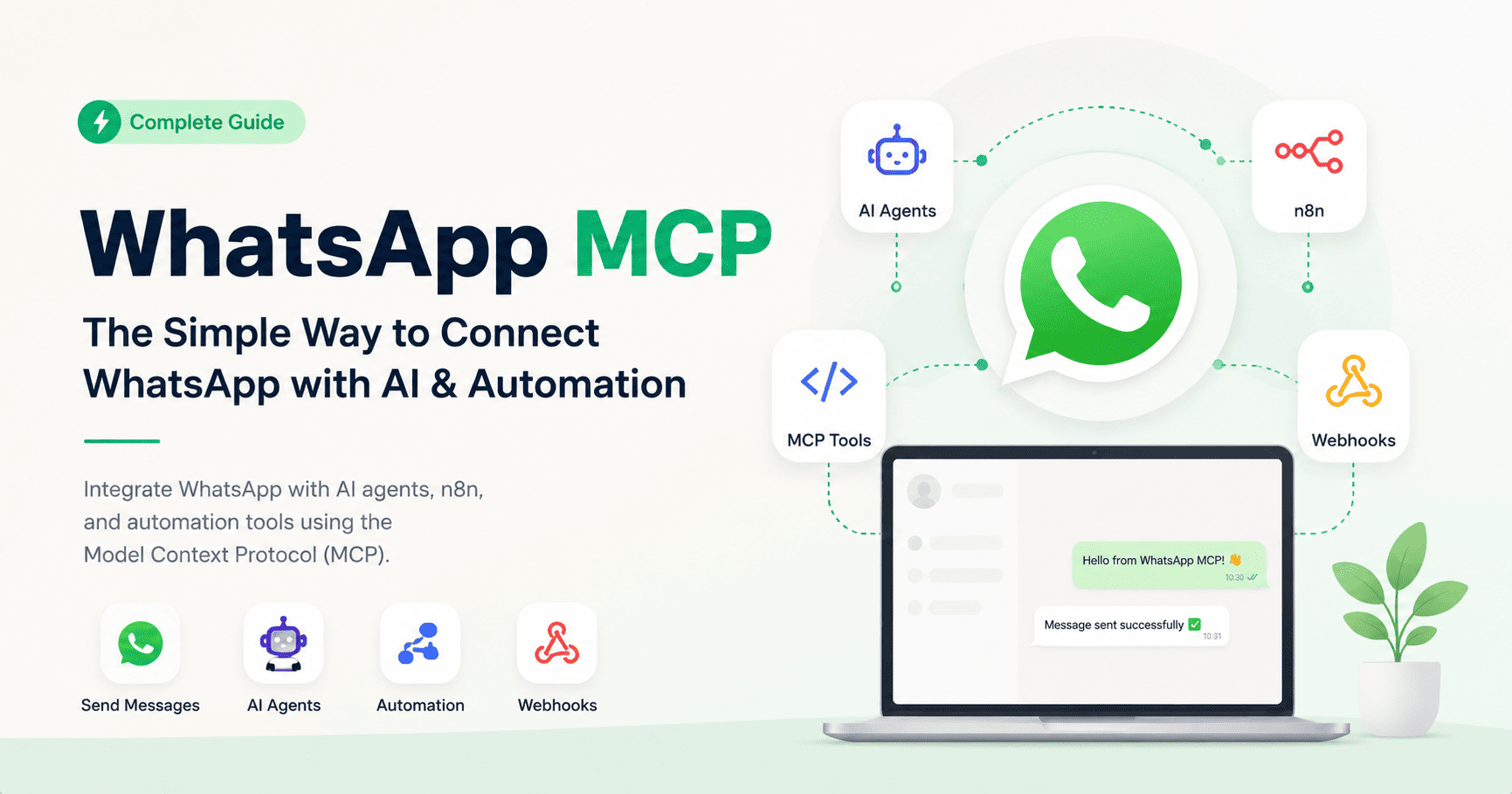
WhatsApp MCP: The Complete Guide to Integrating WhatsApp with AI & Automation
WhatsApp MCP (Model Context Protocol) is transforming how developers connect WhatsApp with AI tools, automation platforms, and backend systems. Instead of building complex integrations, MCP allows you to expose WhatsApp features as callable tools for AI agents like Claude, n8n, or custom workflows.
WhatsApp MCP turns your messaging system into an intelligent, programmable interface for automation and AI.
What is WhatsApp MCP?
WhatsApp MCP (Model Context Protocol) is a standardized way to connect WhatsApp APIs with AI agents and automation tools. It allows external systems to interact with WhatsApp features such as sending messages, managing contacts, and handling groups through structured commands.
With MCP, WhatsApp becomes more than messaging — it becomes a programmable interface for your entire business workflow.
Key Capabilities
- Send and receive WhatsApp messages programmatically
- Manage contacts and groups
- Automate conversations with AI
- Trigger workflows based on WhatsApp events
- Integrate with tools like n8n and AI agents
How WhatsApp MCP Works
The WhatsApp MCP system acts as a bridge between your WhatsApp account and external tools. It exposes WhatsApp functionality as structured “tools” that AI systems can call.
Step-by-Step Process
- Connect your WhatsApp session
- Generate your Personal Access Token
- Register the MCP endpoint in your tool
- Call WhatsApp functions via MCP
{
  "mcp": {
    "WasenderAPI": {
      "type": "remote",
      "url": "https://wasenderapi.com/mcp",
      "headers": {
        "Authorization": "Bearer YOUR_TOKEN"
      }
    }
  }
}
Use Cases of WhatsApp MCP
1. AI Chatbots
Connect WhatsApp to AI agents to automatically reply to customers, answer questions, and provide support 24/7.
2. Lead Automation
Automatically follow up with leads, qualify prospects, and move them through your funnel using WhatsApp conversations.
3. Notifications & Alerts
Send real-time alerts like order updates, reminders, or system notifications directly to users.
4. Workflow Automation
Trigger actions in tools like n8n when a message is received, such as saving data, sending emails, or updating CRMs.
Important: WhatsApp sessions must remain active. If disconnected, MCP tools will not function until reconnected.
Available WhatsApp MCP Tools
| Category | Examples |
|---|---|
| Messaging | Send text, image, video, document |
| Contacts | Get contact info, update contacts |
| Groups | Create groups, manage participants |
| Sessions | Start, stop, monitor sessions |
Example: Sending a WhatsApp Message via MCP
{
  "tool": "send_text_message",
  "parameters": {
    "to": "212600000000",
    "text": "Hello from WhatsApp MCP!"
  }
}
This simple structure allows AI agents or automation tools to interact with WhatsApp instantly.
Why WhatsApp MCP is Powerful
- No need to build complex APIs manually
- Direct integration with AI agents
- Scalable messaging automation
- Real-time event handling with webhooks
- Centralized control of WhatsApp interactions
WhatsApp MCP bridges the gap between messaging and intelligent automation.
Best Practices
- Keep your API token secure
- Monitor session status regularly
- Handle errors and retries properly
- Use webhooks for real-time updates
- Avoid spam-like behavior to prevent bans
Getting Started
To start using WhatsApp MCP, you need:
- A WhatsApp API provider with MCP support
- A connected WhatsApp session
- A Personal Access Token
- An automation tool or AI agent
FAQ
What does MCP stand for?
MCP stands for Model Context Protocol, a system that allows AI tools to interact with external services like WhatsApp.
Is WhatsApp MCP free?
It depends on your API provider. Most require a paid plan for MCP access.
Can I use WhatsApp MCP with n8n?
Yes, n8n supports MCP integration through its MCP client tool.
Is WhatsApp MCP secure?
Yes, as long as you keep your API tokens private and use secure connections.
WhatsApp MCP is one of the most powerful ways to connect messaging with AI and automation. Whether you're building a chatbot, automating workflows, or scaling customer communication, MCP gives you the flexibility and power to do it efficiently.
Related Posts
How to Send OTP for Password Recovery Using PHP And Whatsapp API
Learn how to send OTPs for password recovery using PHP and Whatsapp API. This guide covers the step-by-step process of integrating WhatsApp OTPs, providing a secure and efficient solution for user authentication. Discover how to generate and send OTPs, validate them, and enhance security using the reliable WASenderAPI for seamless password recovery

WhatsApp API Rate Limits Explained: How to Scale Messaging Safely in 2025
Struggling with WhatsApp messaging restrictions? Learn how Meta's tier system works, how to upgrade your daily limits, and how to scale your broadcasts safely without getting banned.
WhatsApp API Without Meta Approval in 2025: Fastest Way to Get Started
Skip the long Meta approval process. In this guide, we break down how developers and businesses can access the WhatsApp API instantly using tools like WaSenderAPI , no Facebook Business verification or phone number limitations. Learn the pros, use cases, and how to get started in minutes.