
Unofficial WhatsApp API 2026: Complete Guide for Developers & Businesses
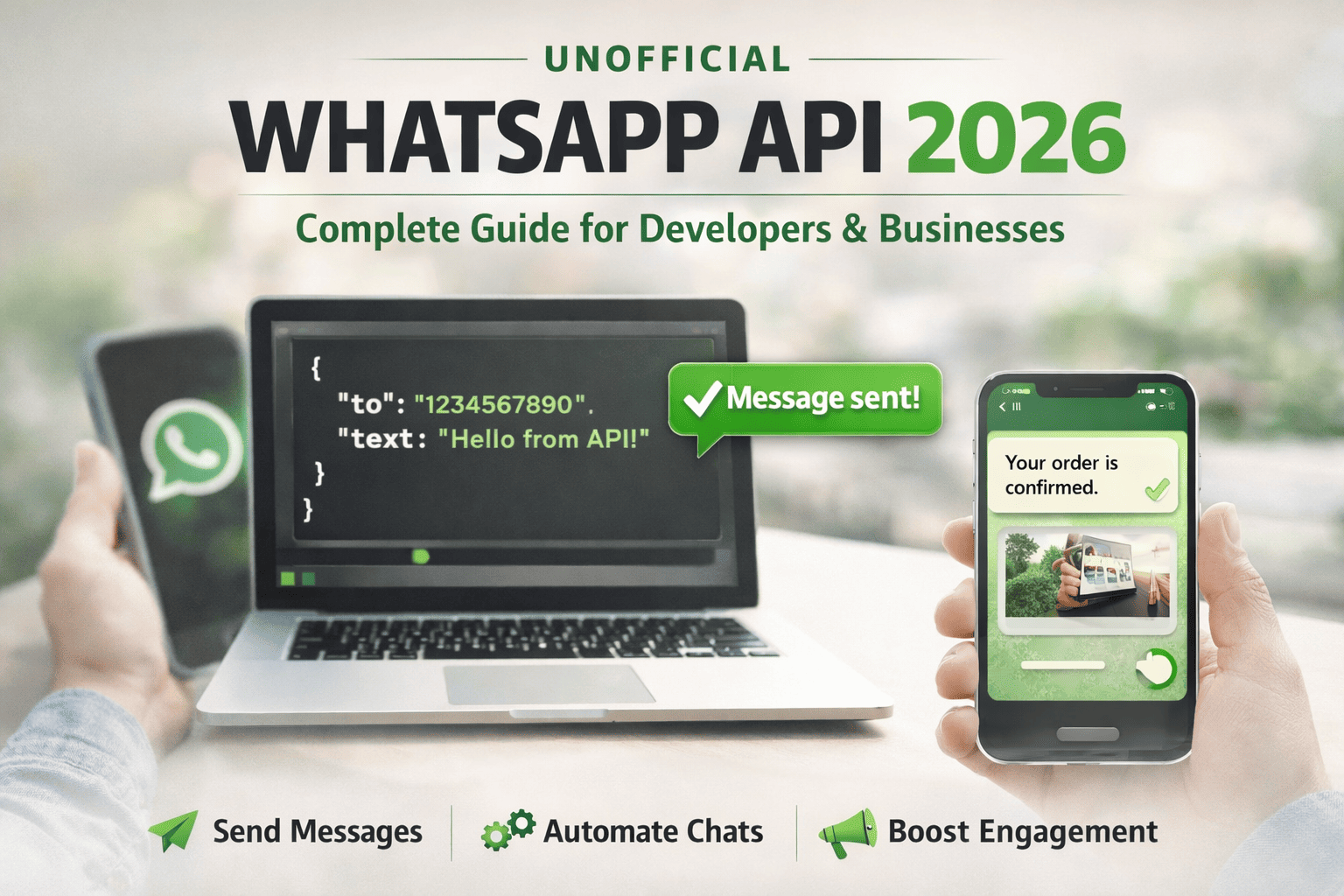
Unofficial WhatsApp API 2026: Complete Guide for Developers and Businesses
In 2026, WhatsApp remains one of the most powerful communication platforms in the world, with more than two billion users globally. Businesses and developers increasingly want to integrate WhatsApp into their applications for notifications, automation, and customer engagement. While the official WhatsApp Business API exists, many developers choose to use an unofficial WhatsApp API because it is easier to access, more flexible, and significantly cheaper.
In this guide, we will explain what an unofficial WhatsApp API is, how it works, its advantages and risks, and how developers can start integrating it into their applications in 2026.
What Is an Unofficial WhatsApp API?
An unofficial WhatsApp API is a third-party system that allows developers to send and receive WhatsApp messages programmatically without using the official WhatsApp Business API provided by Meta.
These APIs typically connect to WhatsApp through automation technologies similar to WhatsApp Web. This allows developers to control WhatsApp accounts through code and build messaging features directly into their apps, CRMs, or automation tools.
Many startups and developers prefer unofficial APIs because they allow quick integration without business verification or strict approval processes.
Why Developers Use Unofficial WhatsApp APIs in 2026
There are several reasons why unofficial WhatsApp APIs have become extremely popular among developers and businesses in 2026.
- No business verification required
- Faster integration compared to official APIs
- Lower cost or fixed monthly pricing
- No per-message fees
- Full control over WhatsApp accounts
- Ability to connect multiple WhatsApp numbers
For startups, SaaS platforms, and automation tools, these advantages make unofficial APIs an attractive solution when building messaging features.
How an Unofficial WhatsApp API Works
Most unofficial WhatsApp APIs work by connecting your WhatsApp account through a QR code, similar to how WhatsApp Web operates.
Typical integration process
- Create an account on the API provider
- Scan a QR code to connect your WhatsApp number
- Receive an API key for authentication
- Send requests to the API to send or receive messages
Once connected, your application can automate messaging tasks such as notifications, reminders, and customer conversations.
Example: Sending a WhatsApp Message Using API
Below is a simple example of how a developer might send a WhatsApp message using an unofficial WhatsApp API in a backend application.
POST /send-message

{
  "to": "1234567890",
  "text": "Hello! Your order has been confirmed."
}
With just a simple API request, your application can instantly deliver messages to WhatsApp users worldwide.
Common Use Cases
Businesses use unofficial WhatsApp APIs for many types of automation and communication tasks.
- Customer support automation
- Order notifications and delivery updates
- Lead generation and follow-up messages
- Appointment reminders
- Marketing campaigns
- Internal team communication
For SaaS platforms and startups, WhatsApp integration can dramatically improve customer engagement and response times.
Official vs Unofficial WhatsApp API
| Feature | Official API | Unofficial API |
|---|---|---|
| Approval Required | Yes | No |
| Message Fees | Yes | Usually No |
| Setup Time | Long | Fast |
| Flexibility | Limited | High |
| Business Verification | Required | Not required |
Risks of Using an Unofficial WhatsApp API
While unofficial WhatsApp APIs provide powerful features and flexibility, developers should understand the potential risks involved.
Because these APIs are not officially supported by WhatsApp, accounts may face restrictions if used improperly, especially when sending spam or bulk unsolicited messages.
Common risks include
- Possible account bans
- Dependence on third-party infrastructure
- Service interruptions
- Compliance considerations
To reduce these risks, developers should always send messages responsibly and avoid spam-like behavior.
Best Practices for Using WhatsApp APIs
- Send messages only to users who have opted in
- Avoid sending mass spam campaigns
- Provide real value in your communication
- Use automation responsibly
- Monitor message delivery and engagement
Following these best practices helps maintain account health and ensures long-term stability for your messaging platform.
Frequently Asked Questions
Is an unofficial WhatsApp API legal?
Using unofficial APIs is generally allowed for development purposes, but they are not officially endorsed by WhatsApp. Developers should follow WhatsApp usage policies and avoid abusive messaging practices.
Can businesses use unofficial WhatsApp APIs?
Yes, many startups and SaaS platforms use them to build messaging automation tools, customer support systems, and CRM integrations.
Are unofficial APIs better than the official WhatsApp API?
It depends on the use case. Official APIs are safer and more compliant, while unofficial APIs offer greater flexibility and lower costs.
Final Thoughts
The unofficial WhatsApp API ecosystem in 2026 continues to grow rapidly as developers and startups look for flexible ways to integrate messaging into their platforms. While the official WhatsApp Business API remains the most compliant solution, unofficial APIs provide powerful alternatives that enable faster innovation and lower costs.
For developers building SaaS tools, automation platforms, or customer engagement systems, understanding how unofficial WhatsApp APIs work can unlock powerful opportunities for communication and growth.
Related Posts
How to Send OTP for Password Recovery Using PHP And Whatsapp API
Learn how to send OTPs for password recovery using PHP and Whatsapp API. This guide covers the step-by-step process of integrating WhatsApp OTPs, providing a secure and efficient solution for user authentication. Discover how to generate and send OTPs, validate them, and enhance security using the reliable WASenderAPI for seamless password recovery

WhatsApp API Rate Limits Explained: How to Scale Messaging Safely in 2025
Struggling with WhatsApp messaging restrictions? Learn how Meta's tier system works, how to upgrade your daily limits, and how to scale your broadcasts safely without getting banned.
WhatsApp API Without Meta Approval in 2025: Fastest Way to Get Started
Skip the long Meta approval process. In this guide, we break down how developers and businesses can access the WhatsApp API instantly using tools like WaSenderAPI , no Facebook Business verification or phone number limitations. Learn the pros, use cases, and how to get started in minutes.