
How to Build a WhatsApp Chatbot Using Dialogflow & API (2025 Guide)
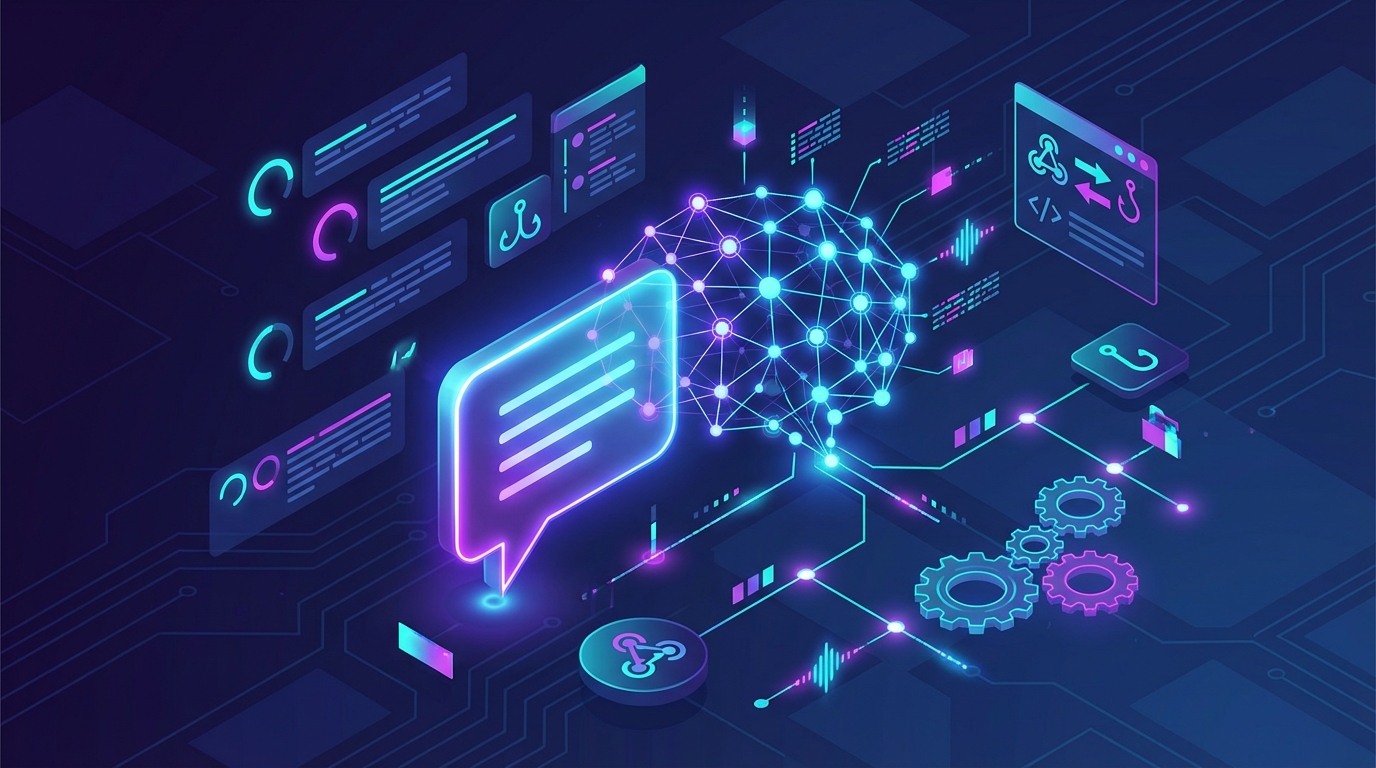
The Future of Automated Customer Support
Are you tired of manually answering the same repetitive customer questions on your business WhatsApp account? As your business scales, relying on human agents for basic inquiries becomes a massive bottleneck. The solution is automation, but traditional rule-based bots often leave customers frustrated. Building an intelligent WhatsApp chatbot using Dialogflow is the ultimate way to provide seamless, human-like customer support at scale.
By combining Google's powerful Natural Language Processing (NLP) engine with a reliable messaging gateway like WaSenderAPI, you can create a virtual assistant that understands context, handles complex queries, and operates 24/7. This comprehensive guide will walk you through the architecture, strategy, and steps required to deploy a world-class AI chatbot for your business.
Why Build a WhatsApp Chatbot Using Dialogflow?
Dialogflow, powered by Google Cloud, is one of the most advanced conversational AI platforms available today. Unlike basic auto-responders that require users to type exact keywords, Dialogflow understands the intent behind a user's message.
Here is why integrating Dialogflow with WhatsApp is a game-changer for your business operations:
- Natural Language Processing (NLP): Users can type naturally. Whether they say "Where is my order?" or "Track my package," Dialogflow recognizes they want the same thing.
- Multilingual Support: Automatically detect and respond to users in dozens of languages without building separate bots.
- Context Management: The bot remembers the conversation history. If a user asks for shoes, and then says "show me the red ones," the bot knows they mean red shoes.
- Seamless Handoffs: Easily program the bot to route complex issues to a live human agent when it doesn't understand the query.
Rule-Based Bots vs. NLP Chatbots: Understanding the Difference
Before diving into the setup, it is crucial to understand why a WhatsApp chatbot using Dialogflow outperforms standard automation tools.
The Limitations of Rule-Based Bots
Rule-based bots operate on strict "if/then" logic. They usually rely on numbered menus (e.g., "Type 1 for Sales, Type 2 for Support"). If a customer types a phrase outside of the programmed keywords, the bot breaks down and sends an error message. This creates a robotic, high-friction user experience.
The Power of NLP Chatbots
NLP chatbots use machine learning to parse human language. They extract entities (like dates, locations, and product names) from a sentence. This means your customers can interact with your WhatsApp number exactly as they would with a real human. The result is higher customer satisfaction, faster issue resolution, and a significant reduction in support tickets.
Top Business Use Cases for a Dialogflow WhatsApp Integration
Implementing conversational AI on WhatsApp opens up massive opportunities across various industries. Here are the most profitable ways to use this technology in 2025:
- E-Commerce Order Tracking: Customers can ask for order updates, and the bot can query your database to return real-time shipping statuses.
- SaaS Customer Onboarding: Guide new software users through their setup process interactively directly inside WhatsApp.
- Lead Generation & Qualification: Instead of static web forms, use a conversational bot to ask qualifying questions, collect emails, and push data to your CRM.
- Appointment Booking: Allow patients, clients, or customers to check availability and book calendar slots naturally via chat.
- 24/7 Tier 1 Support: Automate answers to FAQs like business hours, return policies, and pricing, freeing your human agents for complex tasks.
Official vs. Unofficial WhatsApp APIs for Chatbots
To connect Dialogflow to WhatsApp, you need an API gateway. You generally have two choices: the Official Meta Cloud API or an Unofficial API like WaSenderAPI.
The Official Meta API comes with strict templates, 24-hour messaging windows, per-conversation pricing, and a rigorous approval process. For developers, startups, and small-to-medium businesses, this can be cost-prohibitive and restrictive.
WaSenderAPI provides a robust, developer-friendly alternative. By scanning a QR code, you can instantly turn any standard WhatsApp number into an API endpoint. It offers flat-rate pricing, unlimited messaging, and zero template restrictions, making it the perfect bridge for your Dialogflow integration.
Step-by-Step Guide: Creating Your WhatsApp Chatbot Using Dialogflow
Building this system requires three main components: your WhatsApp number connected to WaSenderAPI, your Dialogflow Agent, and a middleware server (a webhook) to pass messages between the two.
Step 1: Set Up Your Dialogflow Agent
First, navigate to the Google Cloud Console and create a new Dialogflow project. An "Agent" in Dialogflow is essentially the brain of your chatbot.
Once your agent is created, you need to define Intents. An intent categorizes an end-user's intention. For example, create a "Greeting Intent" and add training phrases like "Hello," "Hi there," and "Hey bot." Then, define the text response your bot should reply with.
Continue building out intents for your most common customer inquiries. The more training phrases you add to each intent, the smarter your bot becomes.
Step 2: Connect Your WhatsApp Number to WaSenderAPI
Next, you need to get your WhatsApp number online. Create an account on WaSenderAPI and navigate to the device management dashboard. Scan the provided QR code using the "Linked Devices" feature on your WhatsApp mobile app.
Within seconds, your device will be connected, and you will receive your unique API Instance ID and Access Token. These credentials will be used to send messages back to the user.
Step 3: Build the Webhook Middleware
Dialogflow cannot talk directly to WhatsApp. You need a middleman—a simple server built in Node.js, Python, or PHP—that listens for incoming WhatsApp messages, sends the text to Dialogflow, waits for the AI's response, and then sends that response back to WhatsApp via WaSenderAPI.
In your WaSenderAPI dashboard, configure your webhook URL to point to your server. Whenever a customer sends a message to your WhatsApp number, WaSenderAPI will POST the message payload to your webhook.
For detailed information on payload structures, authentication, and endpoint routing, please refer to our official API documentation.
Best Practices for WhatsApp Bot Engagement
Creating a smart bot is only half the battle. You must design the conversational flow to maximize user engagement and minimize frustration.
- Set Clear Expectations: Always introduce the bot. A simple "Hi, I'm the automated assistant for [Company Name]" prevents users from feeling deceived.
- Provide an Escape Hatch: Always include an intent that allows the user to speak to a human. If a user types "agent" or "help," pause the bot and notify your team.
- Keep Responses Concise: WhatsApp is a mobile-first platform. Avoid sending massive walls of text. Break up information into short, digestible messages.
- Use Formatting: Utilize WhatsApp's bold, italic, and strikethrough formatting to highlight important information like dates, prices, and links.
- Monitor Fallback Intents: Dialogflow uses a "Default Fallback Intent" when it doesn't understand a user. Regularly review these logs to discover new phrases your customers are using, and train your bot accordingly.
Troubleshooting Common Chatbot Errors
When launching your conversational AI, you might run into a few common architectural hurdles. Here is how to resolve them quickly.
Webhook Timeouts: WhatsApp users expect instant replies. If your middleware server takes too long to query Dialogflow and respond, the user experience suffers. Ensure your webhook is hosted on a fast, reliable server (like AWS, Heroku, or Vercel) geographically close to your primary user base.
Infinite Bot Loops: If two automated systems message each other, they can trigger an infinite loop. Always program your middleware to ignore incoming messages that are flagged as automated, or implement a rate limit per user session to prevent API spam.
Session Management Issues: Dialogflow relies on Session IDs to maintain context. Ensure your middleware passes the user's WhatsApp number as the unique Session ID to Dialogflow. If you generate a random ID for every message, the bot will suffer from "amnesia" and forget the context of the conversation.
Conclusion
Automating your customer communication doesn't mean sacrificing personalization. By building a WhatsApp chatbot using Dialogflow, you empower your business to handle thousands of inquiries simultaneously while maintaining a natural, helpful, and highly contextual user experience.
With the advanced NLP capabilities of Google Cloud and the seamless, cost-effective messaging infrastructure of WaSenderAPI, launching an enterprise-grade virtual assistant has never been easier. Stop losing hours to manual replies, integrate your systems today, and watch your customer satisfaction metrics soar.
Related Posts

n8n + WaSenderAPI: Master WhatsApp Automation Without Code (2025 Guide)
Discover the most affordable WhatsApp automation solution only $6/month with WaSenderAPI combined with no-code n8n workflows. Build perfect, custom WhatsApp automations quickly and easily without coding. Follow our step-by-step guide to save costs while creating powerful, scalable, and secure WhatsApp messaging for your business.

Create a Free WhatsApp AI Chat Bot with Python and Gemini (Full Guide)
Learn how to create a free WhatsApp AI chatbot using Python, Google’s Gemini API, and WaSenderAPI. This step-by-step guide helps you build and deploy an intelligent WhatsApp assistant at minimal cost no need for WhatsApp Business API.
How to Send OTP for Password Recovery Using PHP And Whatsapp API
Learn how to send OTPs for password recovery using PHP and Whatsapp API. This guide covers the step-by-step process of integrating WhatsApp OTPs, providing a secure and efficient solution for user authentication. Discover how to generate and send OTPs, validate them, and enhance security using the reliable WASenderAPI for seamless password recovery